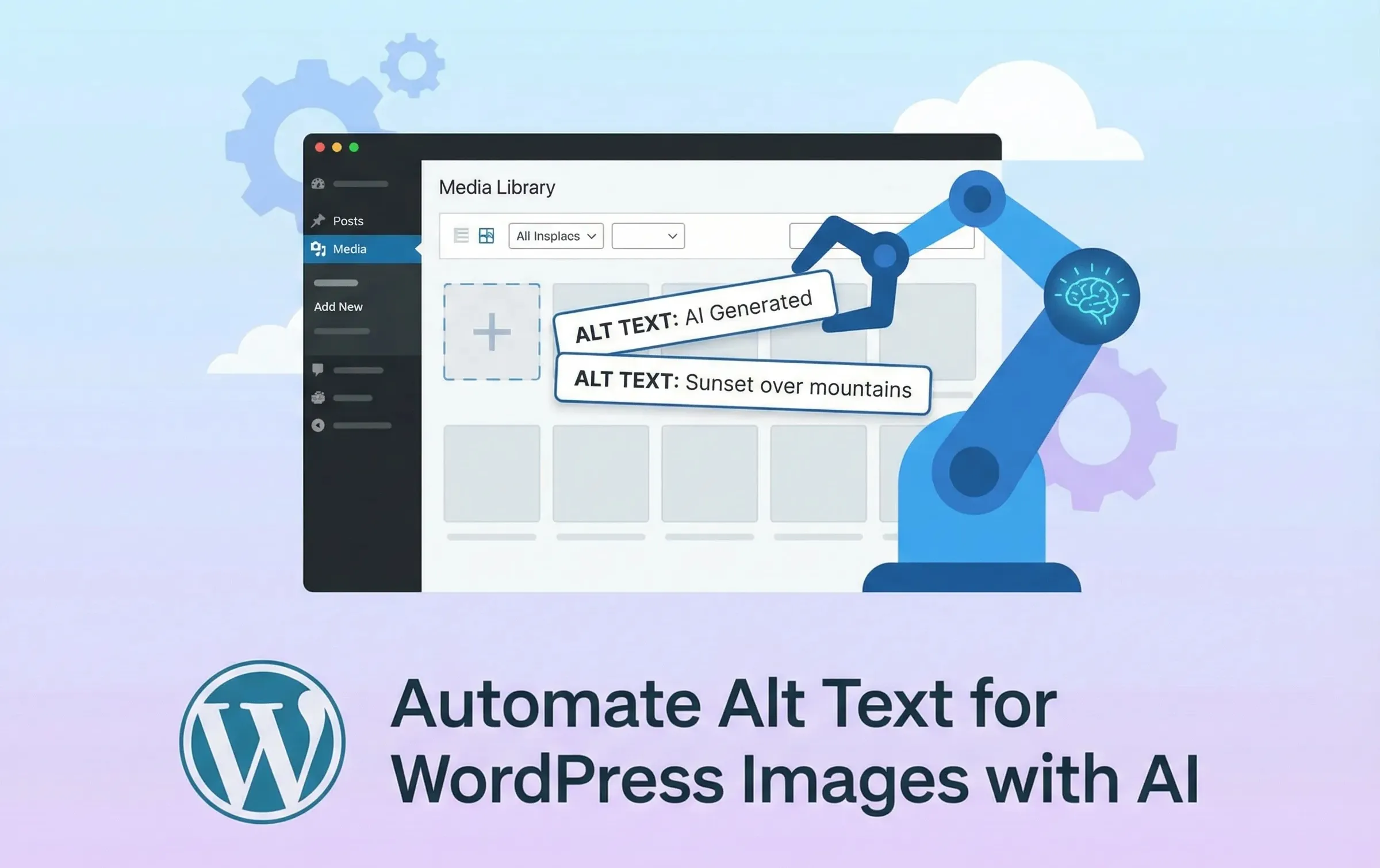
If you've ever uploaded dozens of images to WordPress only to realize you need to write alt text for every single one, you know the pain. Alt text is essential for accessibility and SEO, but writing it manually is tedious — especially for media-heavy sites.
What if AI could do it for you?
Why Alt Text Matters
Alt text (alternative text) serves two critical purposes:
Accessibility: Screen readers use alt text to describe images to visually impaired users. Without it, these users miss context that sighted visitors take for granted.
SEO: Search engines can't "see" images. Alt text helps them understand what your images contain, improving your chances of ranking in image search and providing context for your content.
Despite its importance, alt text is often neglected. Studies show that over 50% of images on the web lack proper alt text. The reason? It's time-consuming to write, and most content creators simply skip it.
The Problem with Manual Alt Text
Consider a typical blog post with 10 images. For each image, you need to:
- Look at the image
- Identify the main subject
- Write a concise, descriptive sentence
- Avoid phrases like "image of" or "picture of"
- Keep it under 125 characters for optimal accessibility
Multiply that by hundreds of posts, and you're looking at hours of work. For e-commerce sites with thousands of product images, it's practically impossible to keep up.
How AI Changes Everything
Modern vision AI models can analyze images and describe their contents with remarkable accuracy. Google's Gemini, OpenAI's GPT-4V, and similar models can:
- Identify objects, people, and scenes
- Understand context and relationships
- Generate natural, descriptive text
- Follow accessibility best practices
This technology is now accessible to WordPress users through plugins that integrate directly with your media library.
CraftedPath AI Kit: Alt Text on Autopilot
The CraftedPath AI Kit brings AI-powered alt text generation directly into WordPress. Here's how it works:
One-Click Generation
In your Media Library, each image gets an "AI Alt Text" button. Click it, and within seconds, the plugin:
- Sends your image to Google's Gemini Vision API
- Receives an AI-generated description
- Automatically saves it as the image's alt text
No copy-pasting. No switching between tabs. Just click and done.
Bulk Processing
Have a backlog of images without alt text? The bulk action feature lets you select multiple images and generate alt text for all of them at once. The plugin processes them sequentially with built-in rate limiting to avoid API throttling.
Smart Integration
The AI alt text button appears everywhere you work with images:
- Media Library list view
- Individual image edit screens
- Media modal when inserting images into posts
- Block editor image blocks
Wherever you are in WordPress, generating alt text is one click away.
What Makes Good AI-Generated Alt Text?
The CraftedPath AI Kit uses a carefully crafted prompt that follows accessibility best practices:
Describe this image concisely for use as alternative text.
Focus on the main subject and key details relevant for
accessibility. Do not include phrases like 'Image of' or
'Picture of'.
This produces alt text that's:
- Concise: Gets to the point without unnecessary words
- Descriptive: Focuses on what matters in the image
- Accessible: Follows WCAG guidelines
- Natural: Reads like human-written text
For example, instead of "Image of a golden retriever playing in a park," you get "Golden retriever catching a frisbee on a sunny grass field."
The Technology Behind It
The plugin leverages Google's Gemini 2.5 Flash model — a multimodal AI that excels at understanding visual content. Here's what happens when you click that button:
- Your image is base64-encoded and sent securely to Google's API
- Gemini analyzes the image content, composition, and context
- The model generates a description optimized for alt text use
- The text is sanitized and saved to your WordPress database
The entire process takes 2-5 seconds per image, depending on complexity and file size.
Best Practices for AI Alt Text
While AI-generated alt text is remarkably good, here are some tips for best results:
Review important images: For hero images or key product photos, take a moment to review and refine the generated text.
Add context when needed: AI describes what it sees, but it doesn't know your business context. If an image shows "your CEO," the AI will describe "a person in business attire." Add specific names or context manually when it matters.
Skip decorative images: Not every image needs alt text. Purely decorative images should have empty alt attributes (alt=""). Use AI alt text for images that convey meaningful content.
Check for accuracy: AI occasionally misidentifies objects or misses important details. A quick review ensures accuracy.
The ROI of Automated Alt Text
Let's do some quick math:
- Average time to write alt text manually: 30 seconds per image
- Average blog post: 5 images
- Posts per month: 20
- Monthly time spent on alt text: 50 minutes
With AI automation, that drops to about 5 minutes of review time. Over a year, you save 9+ hours — time better spent creating content.
For larger sites with thousands of images, the savings multiply dramatically.
Getting Started
Ready to automate your alt text workflow? The CraftedPath AI Kit is included in the CraftedPath plugin subscription. Once installed:
- Navigate to CraftedPath → AI Kit in your WordPress admin
- Enter your Gemini API key (free tier available from Google)
- Start generating alt text from your Media Library
Your existing images without alt text will show an "AI Alt Text" button. New uploads can be processed individually or in bulk.
Accessibility Shouldn't Be an Afterthought
Every image without alt text is a barrier for someone trying to use your site. AI removes the excuse that "it takes too long" by making accessible images the path of least resistance.
The future of web accessibility isn't about doing more work — it's about smarter tools that make doing the right thing effortless.